






Accelerate User Onboarding After an Acquisition
Maintain Access to Mailboxes and Files While Minimizing User Disruption
Acquisitions often create tight timelines and complex IT integration challenges, making it critical to keep users connected to the resources they rely on every day. Together, MigrationWiz and the PowerSyncPro-powered Directory Sync and Migration Agent solutions, MSPs and IT teams can synchronize identities, migrate mailboxes and files, and transition workstations with minimal impact on end users.

M&A White paper
Managing M&A Migrations: Understanding the Environment
Mergers and acquisitions drive business growth but often create complex IT integration challenges. To realize the full value of an acquisition, organizations must successfully integrate users, identities, data, devices, and collaboration platforms. Understanding the existing environment, identifying dependencies, and developing a migration strategy are essential first steps. This white paper explores key considerations for IT teams and MSPs preparing for an M&A migration and how MigrationWiz, Directory Sync, and Migration Agent can help streamline integration, reduce risk, and accelerate results.
Streamline Acquisition Migrations from Day One
- Migrate mailboxes, files, and collaboration data in planned migration waves.
- Synchronize user identities between environments before migration begins.
- Keep users productive while IT teams complete integration activities.
Maintain Access to Critical Business Resources
- Ensure users retain access to email, files, Teams, and collaboration tools throughout the migration.
- Keep identities aligned with real-time synchronization.
- Preserve business continuity during complex tenant consolidations.
Reduce Manual Effort with Automated Device Migration
- Seamlessly transition user workstations to the destination environment.
- Preserve user profiles, settings, and application configurations.
- Automatically reconnect Outlook, Teams, and OneDrive.
Why IT Teams Choose MigrationWiz for Acquisitions
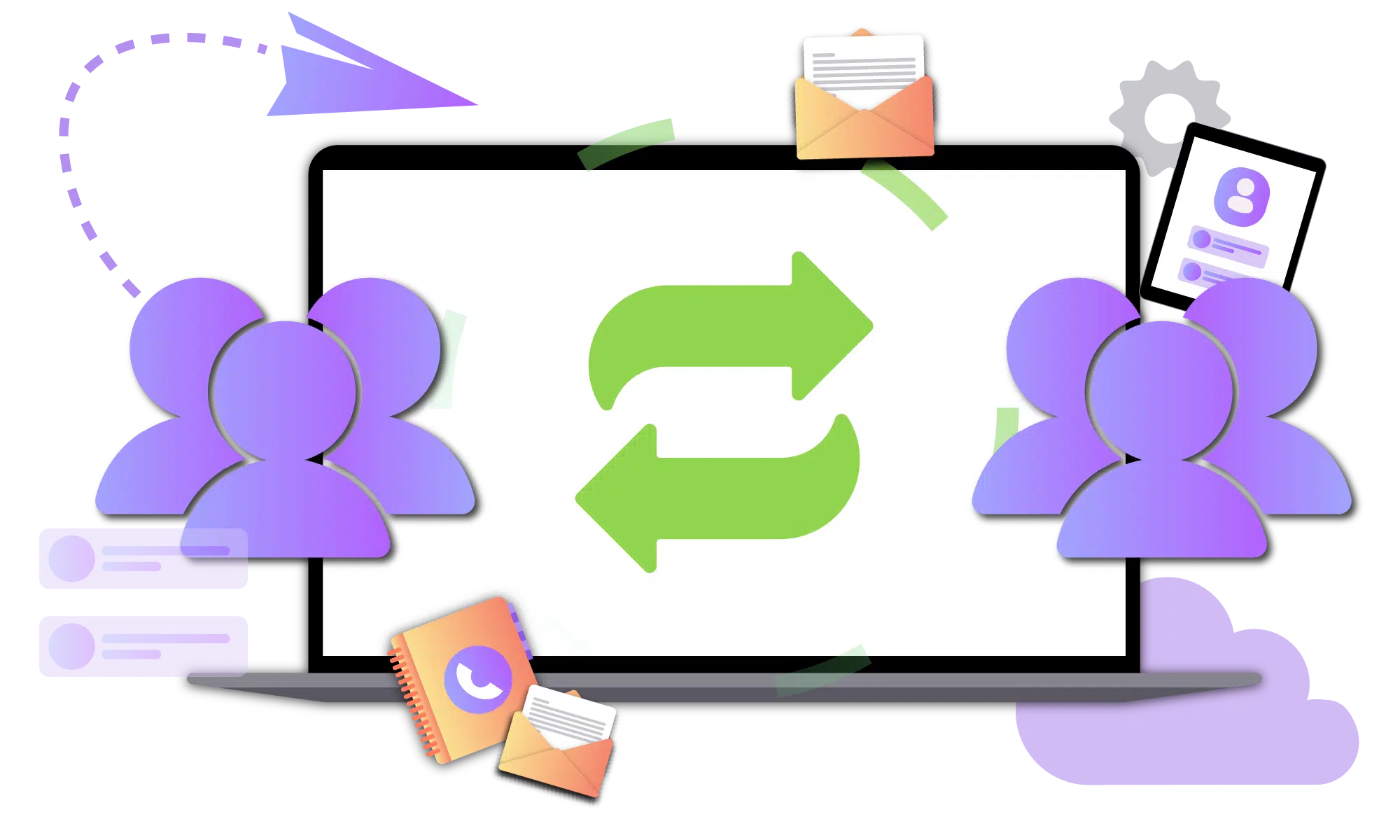
Acquisition migrations require more than simply moving mailboxes and files. IT teams must quickly integrate newly acquired users into the corporate environment while maintaining access to email, documents, collaboration tools, and business applications. With BitTitan, organizations can align identities, migrate workloads, and transition user workstations through a coordinated and automated process.
Key Benefits:
- Migrate mailboxes, documents, OneDrive, SharePoint, and Teams workloads with minimal downtime.
- Maintain user access to critical business resources throughout the migration process.
- Enable newly acquired employees to collaborate quickly within the destination Microsoft 365 environment.
- Preserve user profiles, settings, and application configurations during workstation transitions.
- Automatically reconnect Outlook, Teams, and OneDrive after migration.
- Scale from small business acquisitions to large enterprise consolidation projects with predictable outcomes.
Don't Let Your Acquisition Migration Fall Behind
Contact the BitTitan team today to build your acquisition migration plan and get the right licensing to accelerate integration, reduce risk, and keep users productive from day one.
Talk to our team about your migration project.
FAQs for Acquisitions using MigrationWiz
How can we quickly integrate newly acquired users into our Microsoft 365 environment?
One of the biggest challenges after an acquisition is onboarding users without disrupting their productivity. Directory Sync powered by PowerSyncPro synchronizes users, groups, contacts, and directory attributes between environments, allowing IT teams to establish coexistence and align identities before migration activities begin. Once identities are synchronized, MigrationWiz can migrate mailboxes, files, and collaboration workloads while users continue working.
What happens to users' workstations after we migrate their data?
Migration Agent powered by PowerSyncPro enables zero-touch workstation migration by preserving user profiles, settings, application configurations, and local data. The solution can transition devices to the destination environment while automatically reconnecting Outlook, Teams, and OneDrive. Users can continue working without requiring a device rebuild or extensive hands-on support from IT.
Can we migrate users from a local Active Directory environment to Entra ID as part of an acquisition?
Yes. Many acquisitions involve modernizing identity infrastructure while consolidating environments. Directory Sync helps synchronize users from Active Directory to Entra ID, while Migration Agent transitions workstations to the destination environment. Together, these tools help organizations reduce dependence on legacy Active Directory environments while simplifying user onboarding.
How can we reduce help desk tickets during an acquisition migration?
Most post-migration support requests stem from profile issues, authentication problems, or users losing access to applications and data. By synchronizing identities with Directory Sync, migrating workloads with MigrationWiz, and preserving user profiles with Migration Agent, organizations can significantly reduce common migration-related issues and improve the overall end-user experience.
Can these tools support large enterprise acquisition projects?
Yes. MigrationWiz, Directory Sync, and Migration Agent are designed to scale from small business migrations to large enterprise acquisition projects involving thousands of users, multiple Microsoft 365 tenants, complex identity environments, and phased migration timelines. Together, they provide a comprehensive migration framework that helps organizations execute large-scale integrations with less risk and greater efficiency.